
How to Pack a TV for Moving: Step-by-Step Guide
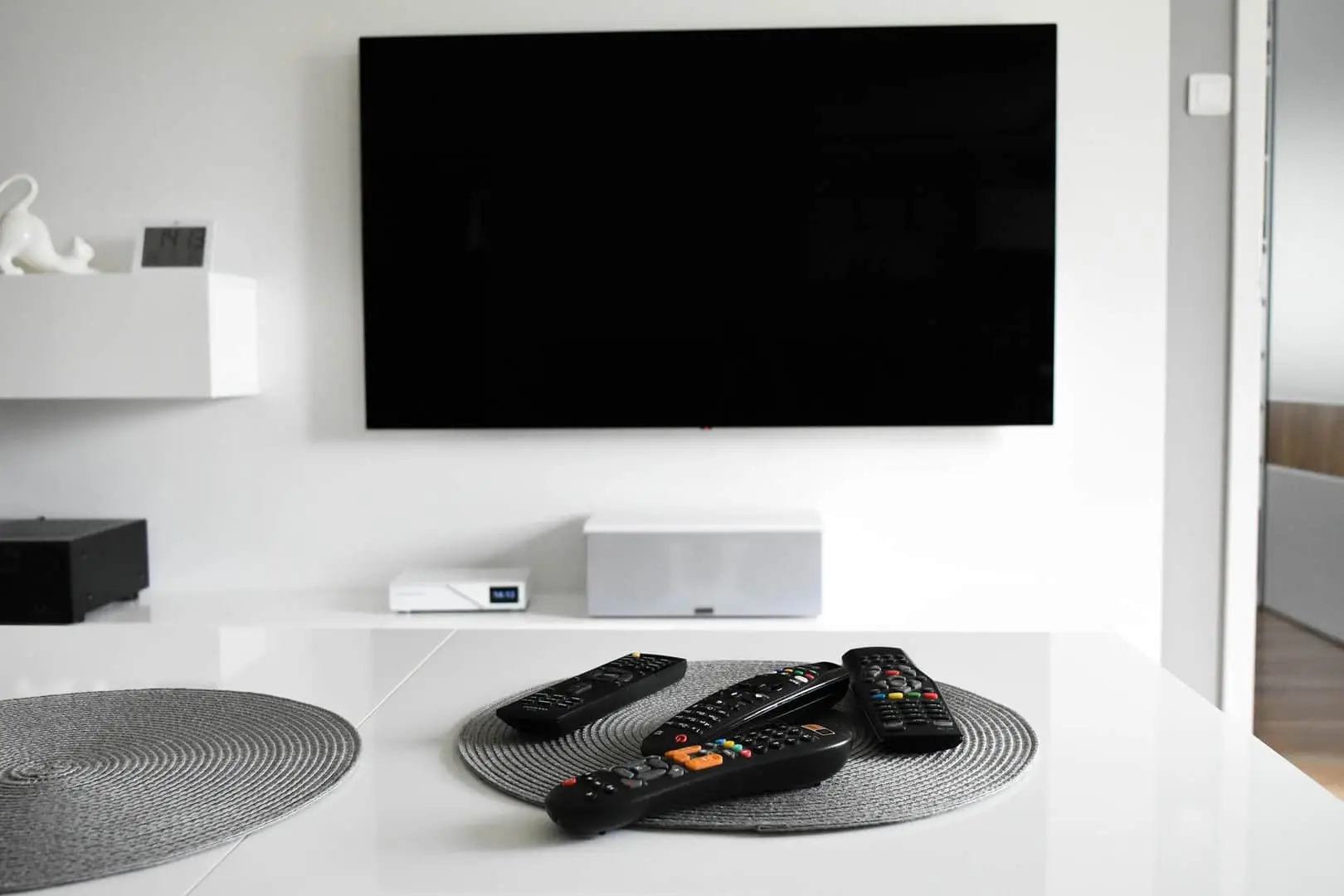
To pack a TV for moving, fit foam protectors to all four corners, wrap the screen in bubble wrap, place the TV upright in a specialist TV moving box, fill any empty space with packing paper, and seal it with “Fragile” labels on at least two sides.
A flat screen TV is one of the most delicate items in your home – the panel can crack under lateral pressure even without a visible impact, so the right packing materials and careful handling are essential before any house move.
Knowing how to pack a TV for moving turns a stressful task into a stress-free job, especially when you have the right packing supplies.
Do You Have the Original TV Box?
The original TV box from the manufacturer gives your set the best possible protection during transport. It is designed specifically for that model, with precision-cut foam inserts that support the panel and frame at every vulnerable point.
If you still have the original box, follow these steps to pack the TV safely:
- Unplug the TV and disconnect all cables. Take a photo of the back of the TV first, so you know where each cable reconnects.
- Slide the original foam inserts around the edges and corners.
- Gently lower the TV into the box with the screen facing forward (as marked on the box).
- Seal the top and bottom with packing tape and label the box “Fragile – This Way Up”.
If the original packaging is unavailable or in poor condition, follow the full guide below. Most flat screens can be transported safely with the right materials and a sturdy moving box.
What You Need to Pack a TV for Moving
Before you start, gather your packing supplies in one place. Stopping mid-pack to search for materials is how a TV screen gets scratched.
Essential packing materials:
- TV moving box (matched to your TV size – available for displays from 32 inches / 81 cm to 86 inches / 218 cm)
- Foam corner protectors (4 pieces, one per corner)
- Bubble wrap (enough to wrap the whole unit at least twice)
- Moving blankets or furniture pads
- Packing paper or a foam sheet for void fill
- Strong packing tape and a roll of masking tape
- Permanent marker for labelling
Optional but useful:
- Flat screen TV cover or quilted bag (protects against dust and scratches)
- Zip-top bags or small cardboard boxes for cables and accessories
- Nylon cable ties or Velcro straps to organise cables
- Compressed air (to remove dust from vents before you pack)
How to Choose the Right TV Moving Box
Specialist boxes are sold by screen size. To measure your TV, run a tape measure diagonally from one corner of the screen to the opposite corner – this gives you the size in inches (e.g., 55-inch or 65-inch).
Measure the screen only, not the outer frame. Also check the depth of the unit (from front to back): Most modern flat-screens are between 6 and 9 cm deep (excluding the stand), so depth is rarely the limiting factor – it is the height and width that determine which TV box you need. If you cannot find a TV box locally, two large cardboard boxes placed open-end to open-end over the wrapped unit can work as a substitute.
Using a Padded TV Cover for Moving
A padded TV cover (also called a quilted TV moving bag) is a reusable, zip-up sleeve lined with soft felt or foam that slips over a flat-screen TV. It is designed to protect the screen and frame against dust, scratches, and minor knocks when you no longer have the original manufacturer’s box.
A padded TV cover is often enough instead of a cardboard box on local moves where a removals crew loads the TV upright and straps it securely against a flat, padded surface in the van. Because a soft cover does not provide a rigid outer shell, you should still fit foam corner protectors first and never lay the TV flat or stack items against the screen.
How to Pack a TV for Moving – Step by Step
A properly packed flat screen TV should not move at all once the TV sits inside the box. Follow these seven steps to pack a TV for the journey to your new home undamaged.
Step 1 – Disconnect and Dismount the TV
Unplug the TV from the mains and disconnect all cables and external devices (satellite box, game console, Blu-ray player). Before removing anything, photograph the back of the set so reconnecting is straightforward at the other end.
Coil each cable neatly and place it in a labelled zip-top bag or small box. Use masking tape and a marker to label each cable (e.g., “HDMI 1 – Sky box”). This takes two minutes and saves significant frustration on moving day.
Remove the stand. If the unit is on a wall mount, take it off the bracket – you will need a second pair of hands for this, especially with large displays. Secure any cables that cannot be fully detached to the back of the panel with tape to stop them swinging around.
💡 Lifting Tip: When taking the unit off the wall mount or stand, keep the TV upright at all times. Two people should hold opposite edges — never lift a flat screen by the panel itself or the top edge alone.
Step 2 – Pack All Cables and Accessories
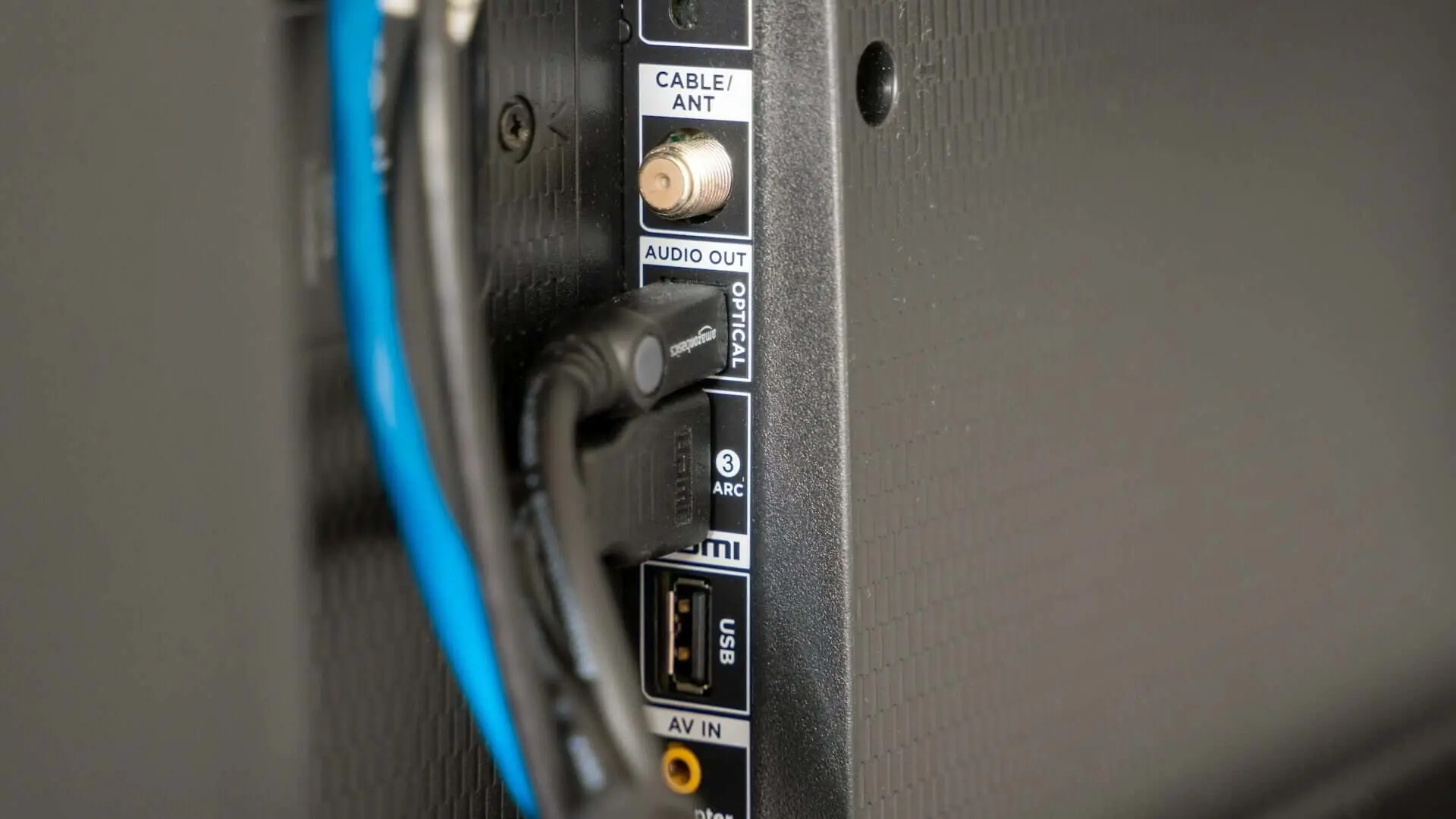
Place the remote control, wall brackets, stand screws, and any other accessories into a clearly labelled box. Keeping these household items together means nothing gets lost in transit and reconnecting at your new home takes minutes rather than an hour.
Organise cables with nylon ties or Velcro straps before you pack them. This stops them tangling and makes it easy to identify each one when unpacking.
Step 3 – Clean the Screen
Use a dry microfibre cloth to wipe the screen and casing. Remove dust or debris before wrapping – grit trapped under bubble wrap can scratch the surface during transit. For a thorough clean, use a small amount of compressed air to clear dust from the vents and ports on the back of the unit.
Do not use household glass cleaners or wet cloths on the display, as these can damage the anti-reflective coatings.
Step 4 – Protect the Screen and Corners
Begin with foam protectors at the corners. Place one protector on each of the four corners of the TV – these guard the most vulnerable points where the frame meets the panel edge. If your moving box includes shaped foam inserts or a foam sheet, use those instead.
Next, lay the unit on a clean, soft surface and cover the screen with a soft layer first – soft blankets, a clean sheet, or a soft towel all work well. Never tape anything directly to the screen, as the adhesive can damage the coating.
Wrap the entire TV in bubble wrap, covering the front, back, and all four edges. Apply two to three layers for maximum protection. Secure the layers with tape, making sure the tape attaches only to the bubble wrap and not to the panel itself.
With the TV flat on a clean surface, lay a moving blanket over the bubble wrapped TV for extra protection and secure it with bungee cords.
Step 5 – Place the TV in the Moving Box
Stand the box upright and lower the wrapped unit into it screen-facing forward. TV must always travel upright – never flat – TV laid flat during transport creates pressure on the centre of the panel and can cause cracks or internal damage to internal components, even when the unit is fully wrapped.
Once it sits inside, fill any gaps around the sides, top, and bottom with packing paper, soft items such as folded towels, or extra padding. The unit should not shift at all when you gently shake the closed lid. Voids inside the carton are one of the most common causes of moving damage, so fill every gap to prevent shifting in transit.
Step 6 – Seal and Label the Box
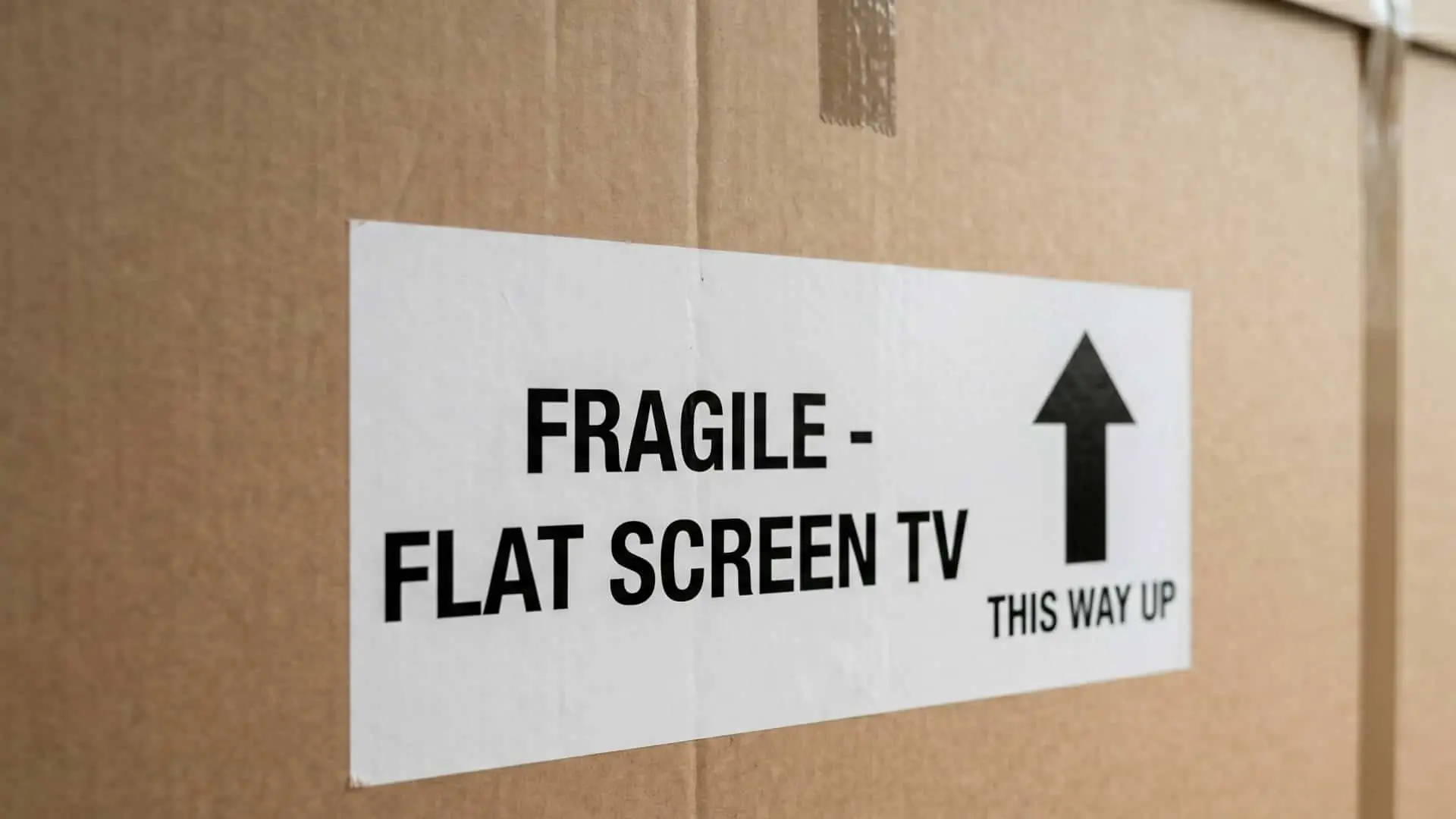
Close the lid and run two strips of strong packing tape along the top and two along the bottom seam. This stops it opening when lifted.
Label the box clearly on at least two sides with:
- “Fragile – Flat Screen TV”
- “This Way Up” with an upward arrow
- The side where the screen faces (e.g., “Screen – This Side”)
Clear labelling ensures your removal team handles the box correctly throughout the move.
Step 7 – Load the TV Upright in the Removal Van
In the moving van, stand the box upright. Position it between flat, stable surfaces such as mattresses or wrapped furniture panels to stop it tipping during the journey. If there are no suitable items nearby, secure it to the van’s wall rails with tie-down straps for extra safety.
Avoid stacking heavy boxes on top. As a final step before closing the van doors, double-check that nothing can fall onto the unit during the drive – this is the simplest way to ensure safe transport.
How to Move a TV Without the Original Box
If you have no specialist box or original packaging, your TV can still be moved safely using moving blankets and bubble wrap. This method works for most TVs but requires more extra cushioning than a boxed approach. Here is how to pack a TV without the original box:
- Complete steps 1 to 3 above (disconnect, pack accessories, clean the screen).
- Place foam corner protectors on all four corners.
- Cover the screen with a soft layer (packing paper, a soft cloth, or a folded blanket) without taping it to the panel.
- Wrap the entire unit in at least 7–10 cm of bubble wrap, covering all sides evenly. A length of plastic wrap pulled tightly over the bubble wrap helps hold everything in place.
- Wrap a moving blanket tightly around the outside and secure it with bungee cords.
- Add a second moving blanket if available for added protection.
- In the moving van, wedge the unit upright between two flat, padded surfaces (e.g., mattress and wardrobe back panel). Secure with tie-down straps.
💡 Handling Tip: Without a rigid outer shell, there is no hard protection, so careful handling during loading and unloading is essential. Two people should always carry the unit.
How to Transport a Large TV (55 Inches and Above)
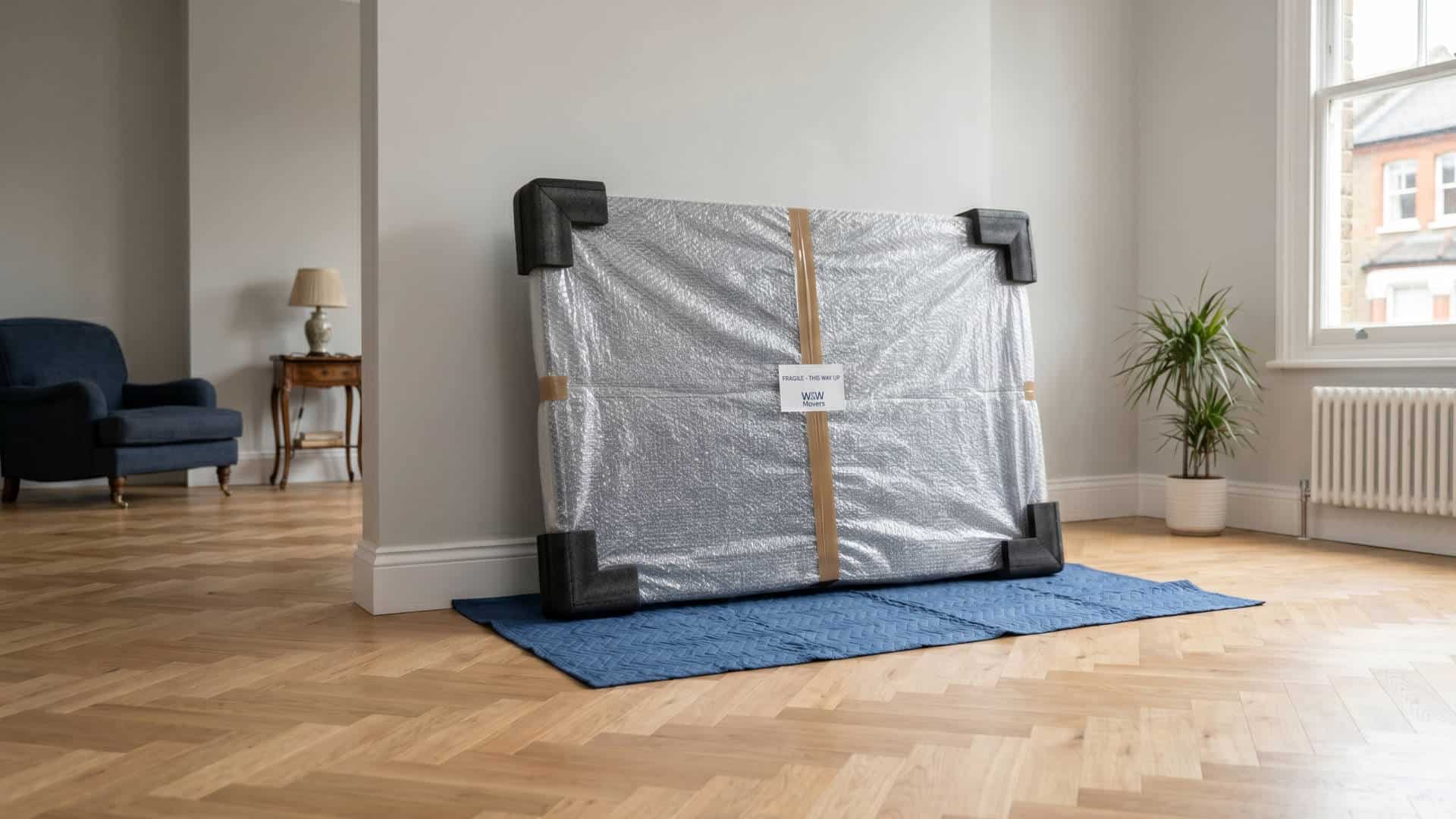
Large TVs – 55 inches (140 cm) and above – require extra precautions because their weight and surface area make them significantly harder to handle safely. A 65-inch flat screen typically weighs between 18 and 28 kg and measures roughly 145 x 85 cm, making solo packing and carrying a genuine injury risk.
Expert tips for handling big TVs:
- You will need at least two people for every stage – dismounting, wrapping, boxing, loading, and unloading.
- Use an extra-large carton designed for displays between 70 and 86 inches if your standard large box does not fit.
- For 65-inch sets transported without a box, apply at least 10 cm of bubble wrap on all sides as extra cushioning, then double-wrap with two thick blankets.
- In the moving truck, big displays should be secured with tie-down straps rather than relying on adjacent boxes alone.
OLED and ultra-thin panels: OLED displays are more sensitive to pressure than standard LED screens. When using corner protectors on an OLED set, choose soft foam inserts rather than rigid cardboard corners. Avoid any pressure on the back panel, as OLED units can flex and crack more easily than conventional flat screens.
If you have a 65-inch or larger display, a wall-mounted OLED, or a valuable home cinema set-up, it is worth considering professional movers rather than packing it yourself.
Common Mistakes When Packing a TV for Moving
Most damage during removals comes from a small number of avoidable errors. Understanding what goes wrong helps you avoid it.
1. Laying the TV flat. This is the single most common cause of damage. When a flat screen TV is laid flat, the weight of the panel concentrates pressure on the centre of the screen. Road vibrations and bumps during transport then amplify this stress, causing cracks or internal damage – even when the surface looks fine on the outside. Always transport a TV upright.
2. Not using corner protectors. The corners are the most vulnerable points on any flat screen. Bubble wrap alone does not adequately guard them because it compresses under impact. Foam guards distribute impact around the frame rather than concentrating it at one point.
3. Leaving voids inside the box. If the unit can shift around in transport, it will. Even 2–3 cm of movement is enough to cause damage on a bumpy road. Fill all gaps with packing paper or foam until the unit is fully protected and completely immobile.
4. Taping directly to the screen. Standard tape and masking tape can both leave adhesive residue on screen coatings or, in some cases, peel off the anti-reflective layer. Always wrap the screen in a soft layer first and tape only over that.
5. Packing cords loosely against the panel. Connectors, HDMI plugs, and cable ends are hard and sharp. If they shift against the screen during transport, they cause scratches or punctures. Pack all cables separately in their own labelled bag.
Should You Hire a Removals Company to Pack Your TV?
A professional removals company is worth considering for any display over 55 inches (140 cm), any wall-mounted set, or if you are moving via stairs, narrow doorways, or a long distance. These scenarios significantly increase the risk of damage when handling delicate items without specialist equipment and an experienced team. Choosing to hire professional movers is often the difference between a stressful day and a stress-free move.
At W & W Movers, our removal teams regularly pack and transport flat screens, OLED displays, and home cinema equipment as part of our London removal service. We use professional-grade TV moving boxes, foam inserts, and furniture pads as standard, and our experienced team is trained to handle large fragile items safely in the conditions common to London properties – including Victorian terrace staircases, mansion block lifts, and narrow hallways. The result is a stress-free, end-to-end service designed around moving safely.
If you would like us to handle the packing and transport of your TV and other fragile items, contact our team for a quote. We can assess your requirements and confirm what is included in your removal service.
Packing a TV for Moving: Common Questions
Yes. A good removals crew can pack a TV without its original box using corner protectors, a soft layer over the screen, bubble wrap and moving blankets, or a padded TV cover. What matters is that the TV travels upright and is strapped in place in the van. Mention the TV and its size when you book, so the crew brings the right materials.
Yes, as the outer layer. Put a soft cloth or foam sheet against the screen first, so the bubbles don’t press directly on the panel, and never stick tape to the screen itself. Wrap the frame and back with bubble wrap, add corner protectors, then pack the TV in a box or padded cover and keep it upright.
A TV moving cover is a padded, zip-up sleeve sized for flat screens. It protects against scratches and knocks and is quicker to use than building a box, which makes it handy if you’ve lost the original packaging. It doesn’t stop the screen flexing under pressure, so the TV still needs to travel upright and secured in the van.
No. Transporting a flat screen lying flat is not safe. When a TV is laid flat, the weight of the panel concentrates pressure on the middle of the screen. Combined with road vibrations, this can cause cracks or damage to internal components even when the outer casing appears fine. The TV should always travel upright, in a vertical position.
The best method is to use the original manufacturer’s box with its foam inserts. If you no longer have the original box, use a specialized TV moving box sized for your screen, add corner protectors on all four corners, wrap the unit in two to three layers of bubble wrap, fill all empty space inside with packing paper, and label everything “Fragile – This Way Up”.
Start by fitting foam corner protectors to all four corners and laying a soft cloth over the screen without taping it to the panel. Wrap the whole unit in several layers of bubble wrap, then add two moving blankets on top and fasten them with bungee cords. Because a large screen is wide and awkward to grip, two people should handle every stage – lifting, wrapping, carrying, and loading.
In the removal van, stand the TV upright between two padded surfaces such as a mattress and a wardrobe panel, and secure it to the van’s wall rails with tie-down straps. Never lay it flat during the journey.
For smaller, lightweight displays, one person can usually pack the TV alone. However, two people are always safer for lifting and loading, particularly on stairs or through narrow doorways. For large screens, two people are essential at every stage.
Yes. Wipe the screen with a dry microfibre cloth before wrapping. Any dust or grit trapped under bubble wrap acts like sandpaper against the surface during transit. Do not use household cleaning sprays on the screen.